~ 7s
❯ helm repo add prometheus-community https://prometheus-community.github.io/helm-charts
"prometheus-community" has been added to your repositories

~
❯ helm repo update
Hang tight while we grab the latest from your chart repositories...
...Successfully got an update from the "istio" chart repository
...Successfully got an update from the "prometheus-community" chart repository
Update Complete. ⎈Happy Helming!⎈
~
❯ helm install kube-prometheus-stack --namespace monitoring prometheus-community/kube-prometheus-stack
NAME: kube-prometheus-stack
LAST DEPLOYED: Sun Dec 28 01:21:46 2025NAMESPACE: monitoring
STATUS: deployed
REVISION: 1DESCRIPTION: Install complete
NOTES:
kube-prometheus-stack has been installed. Check its status by running:
kubectl --namespace monitoring get pods -l "release=kube-prometheus-stack"Get Grafana 'admin' user password by running:
kubectl --namespace monitoring get secrets kube-prometheus-stack-grafana -o jsonpath="{.data.admin-password}" | base64 -d ; echo
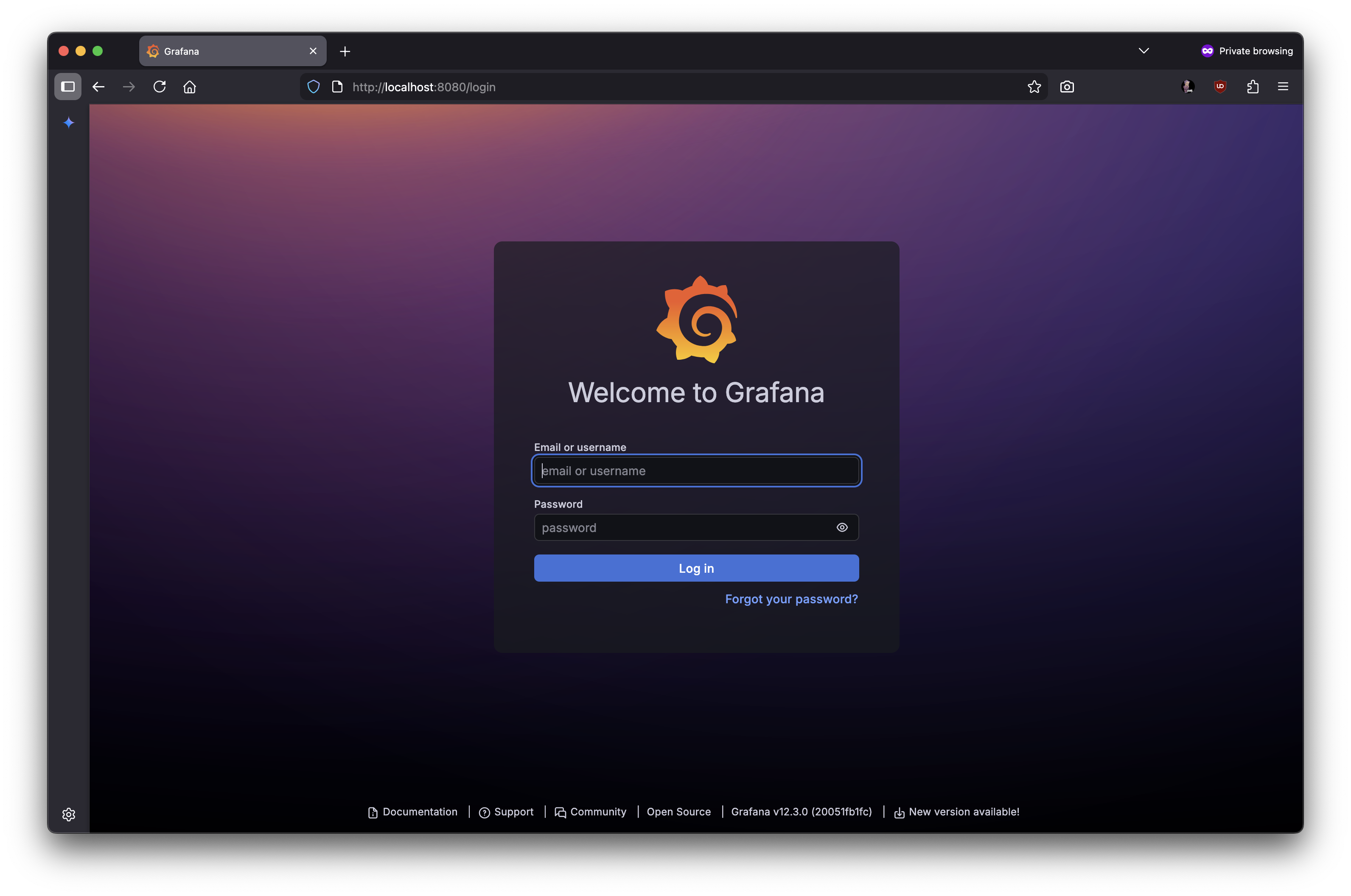
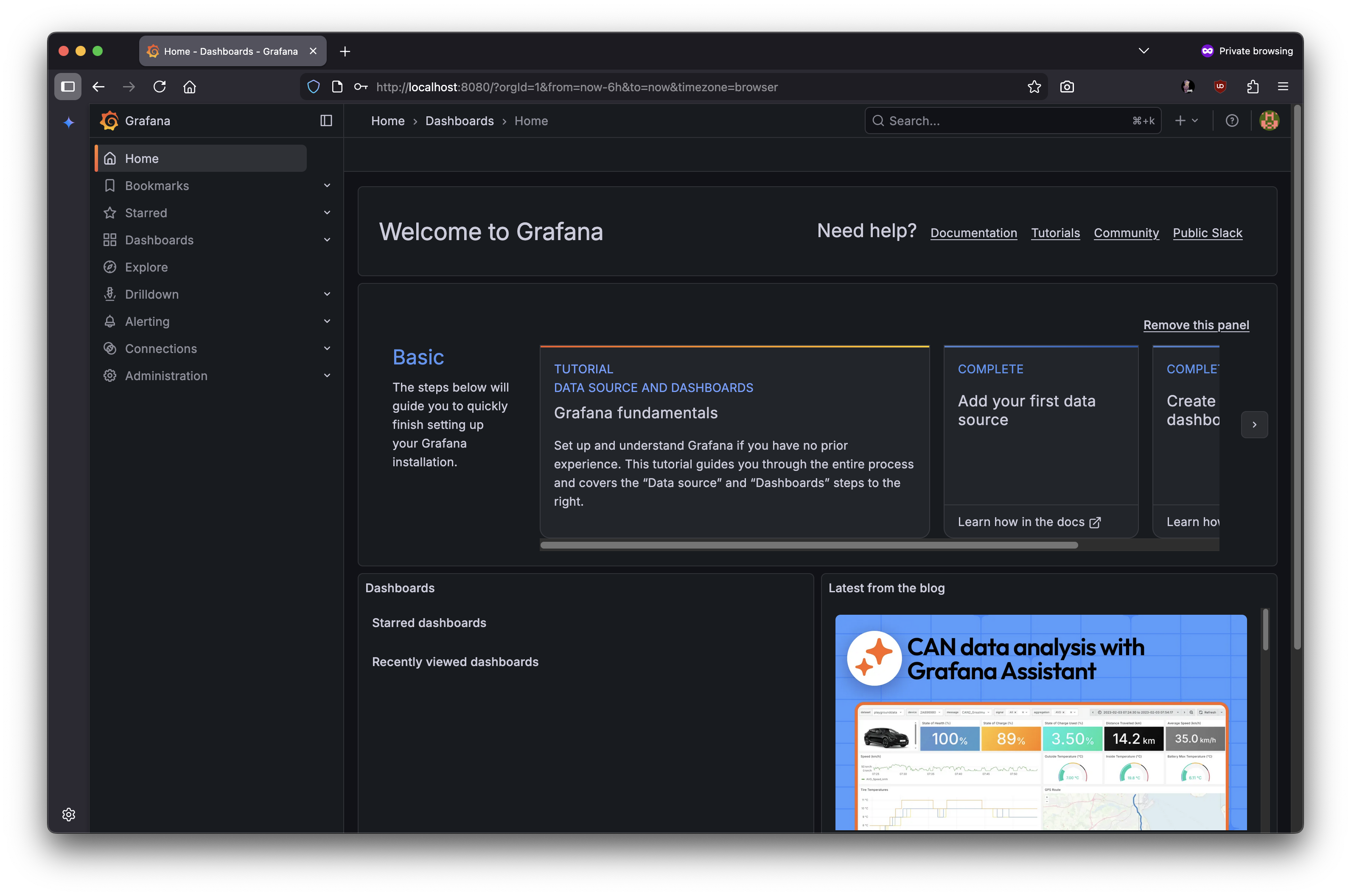
Access Grafana local instance:
export POD_NAME=$(kubectl --namespace monitoring get pod -l "app.kubernetes.io/name=grafana,app.kubernetes.io/instance=kube-prometheus-stack" -oname) kubectl --namespace monitoring port-forward $POD_NAME3000Get your grafana admin user password by running:
kubectl get secret --namespace monitoring -l app.kubernetes.io/component=admin-secret -o jsonpath="{.items[0].data.admin-password}" | base64 --decode ; echo
Visit https://github.com/prometheus-operator/kube-prometheus for instructions on how to create & configure Alertmanager and Prometheus instances using the Operator.
잠시 기다리면 몇 개의 Pod 가 실행되는 것을 확인할 수 있음
시간이 걸릴 수 있으니 잠시 후에 아래 명령어를 실행해보자.
중간에
Warning Failed 8s (x6 over 72s) kubelet spec.containers{config-reloader}: Error: write /var/lib/kubelet/pods/0bd8d3ec-69b5-4b55-b96b-ab60efe49451/etc-hosts: no space left on device
이라는 에러가 발생해서 이미지를 지웠더니 정상적으로 Running 되었다.
~
❯ helm show values prometheus-community/kube-prometheus-stack
# Default values for kube-prometheus-stack.# This is a YAML-formatted file.# Declare variables to be passed into your templates.## Provide a name in place of kube-prometheus-stack for `app:` labels##nameOverride: ""## Override the deployment namespace##namespaceOverride: ""# ... too long ... #
여기서 출력되는 설정값은 기본값에 해당함
이 기본값을 변경하려면 values.yaml 에 설정을 기재하고, helm install 의 인자로 지정하면 됨
그러면 변경한 값에 맞게 커스터마이즈된 Custom Controller 를 배포하게 됨
예를 들어 admin 비밀번호를 변경하고 싶은 경우, 다음과 같이 values.yaml 을 작성하면 됨
~
❯ brew install kustomize==> Auto-updating Homebrew...
Adjust how often this is run with `$HOMEBREW_AUTO_UPDATE_SECS` or disable with
`$HOMEBREW_NO_AUTO_UPDATE=1`. Hide these hints with `$HOMEBREW_NO_ENV_HINTS=1`(see `man brew`).
==> Fetching downloads for: kustomize
✔︎ Bottle Manifest kustomize (5.8.0) Downloaded 7.5KB/ 7.5KB
✔︎ Bottle kustomize (5.8.0) Downloaded 6.7MB/ 6.7MB
==> Pouring kustomize--5.8.0.arm64_sequoia.bottle.1.tar.gz
🍺 /opt/homebrew/Cellar/kustomize/5.8.0: 10 files, 17.5MB
==> Running `brew cleanup kustomize`...
Disable this behaviour by setting `HOMEBREW_NO_INSTALL_CLEANUP=1`.
Hide these hints with `HOMEBREW_NO_ENV_HINTS=1`(see `man brew`).
==> Caveats
zsh completions have been installed to:
/opt/homebrew/share/zsh/site-functions
~/gitFolders/build-breaking-fixing-kubernetes master*
❯ cd chapter-10/kustomize/hello-server/overlays/production

~/gitFolders/build-breaking-fixing-kubernetes/chapter-10/kustomize/hello-server/overlays/production master*
❯ kustomize build
Error: unable to find one of 'kustomization.yaml', 'kustomization.yml' or 'Kustomization' in directory '/Users/bossm0n5t3r/gitFolders/build-breaking-fixing-kubernetes/chapter-10/kustomize/hello-server/overlays/production'
kustomization.yaml 에서 자주 사용되는 설정 키워드로 resources 와 patches 가 있음
이 외에도 다양한 설정이 가능하지만, 우선 이 두 가지를 기억하는 것이 좋음
resources
사용할 리소스를 담은 디렉터리나 파일을 지정함
base 디렉터리나 해당 디렉터리 고유의 파일을 지정함
patches
overlays 와 base 의 설정을 덮어쓸 때 사용함
덮어쓸 파일명을 지정함
각 디렉터리에 작성할 kustomization.yaml 에 대해 알아보자
resources 로 디렉터리를 지정할 때는 대상 디렉터리에도 kustomization.yaml 이 있어야 함
~/gitFolders/build-breaking-fixing-kubernetes/chapter-10/kustomize/hello-server master* ⇡
❯ k get pod --namespace default
NAME                            READY   STATUS    RESTARTS   AGE
hello-server-655dcf956d-7bx22   1/1     Running   0          33s
hello-server-655dcf956d-jzz9b   1/1     Running   0          33s
hello-server-655dcf956d-qtqd2   1/1     Running   0          33s